
The quick answer
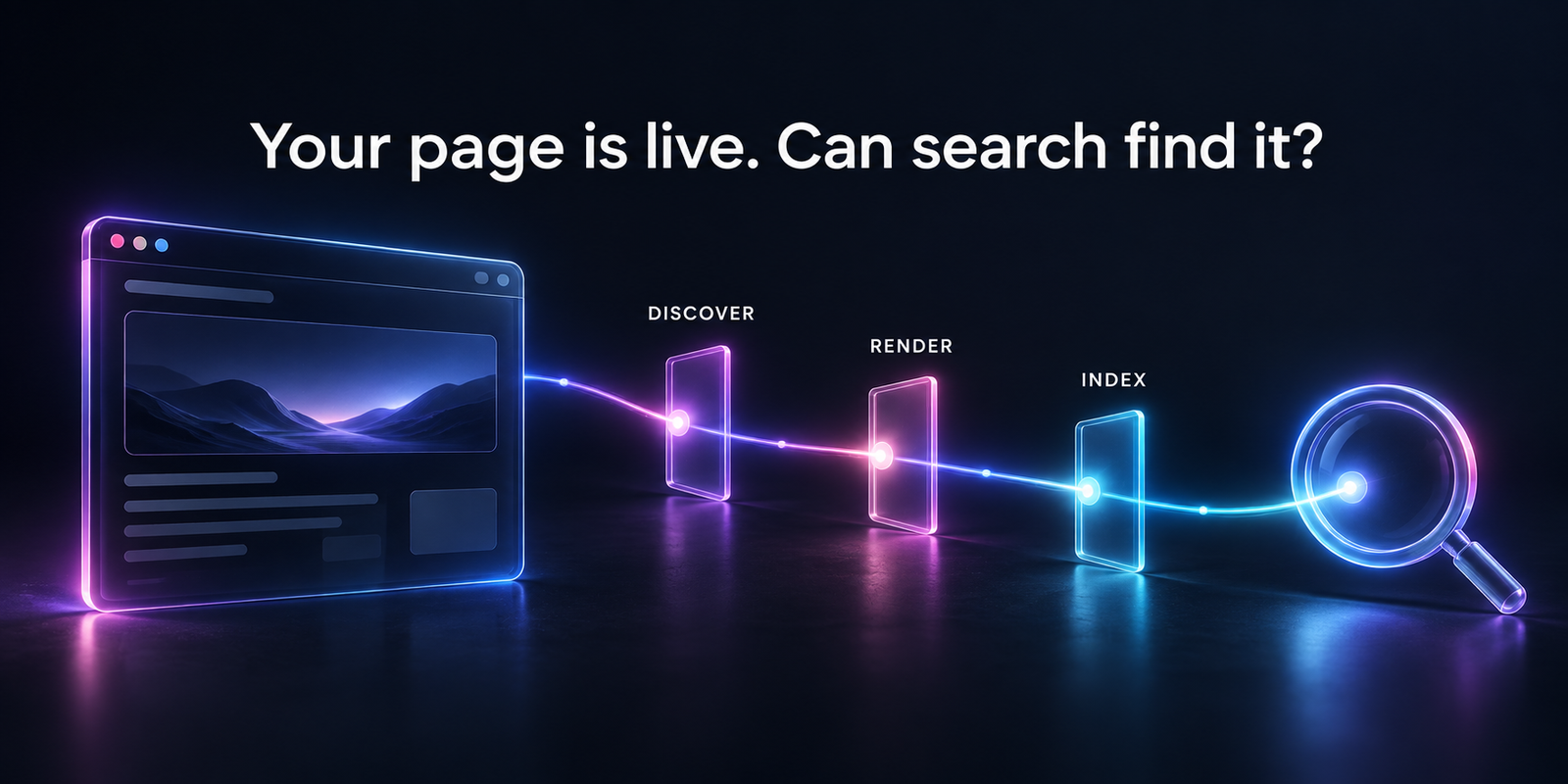
A SaaS page can be live without being indexed. Search engines still need to discover it, access its content and decide which URL to keep. A blocked page, empty rendered screen, conflicting canonical or near-duplicate content can interrupt that process.
Inspect a specific URL first. Find the failed step, fix the cause and verify the result. Repeatedly submitting the same page does not replace that work.
You publish a feature page, add it to the sitemap and wait. The page opens on your phone, but it still brings no Google traffic. Meanwhile, an older product page keeps appearing instead.
Before changing titles or writing more content, establish whether this is an indexing problem, a URL-selection problem or a ranking problem. Each needs a different response.
Jump to a section
Is the page missing from the index, or just hard to find?
No clicks does not prove a page is unindexed. It may be indexed but rank poorly, target a low-demand topic or lose attention to other results.
Open Search Console's URL Inspection tool and paste the exact public URL. Record its reported indexing status, last crawl and Google-selected canonical. The canonical is the URL Google treats as the main version of similar content.
The indexed report describes Google's stored view. A live test checks the current page's technical accessibility; a successful live test does not guarantee indexing. Google's URL Inspection guide explains that distinction. A manual search or site: search is not a complete indexing audit.
- Indexed under the intended URL: investigate relevance, demand and visibility rather than forcing another submission.
- Another URL selected: review duplicates and canonical signals.
- Not indexed: use the reported reason to choose the next check.
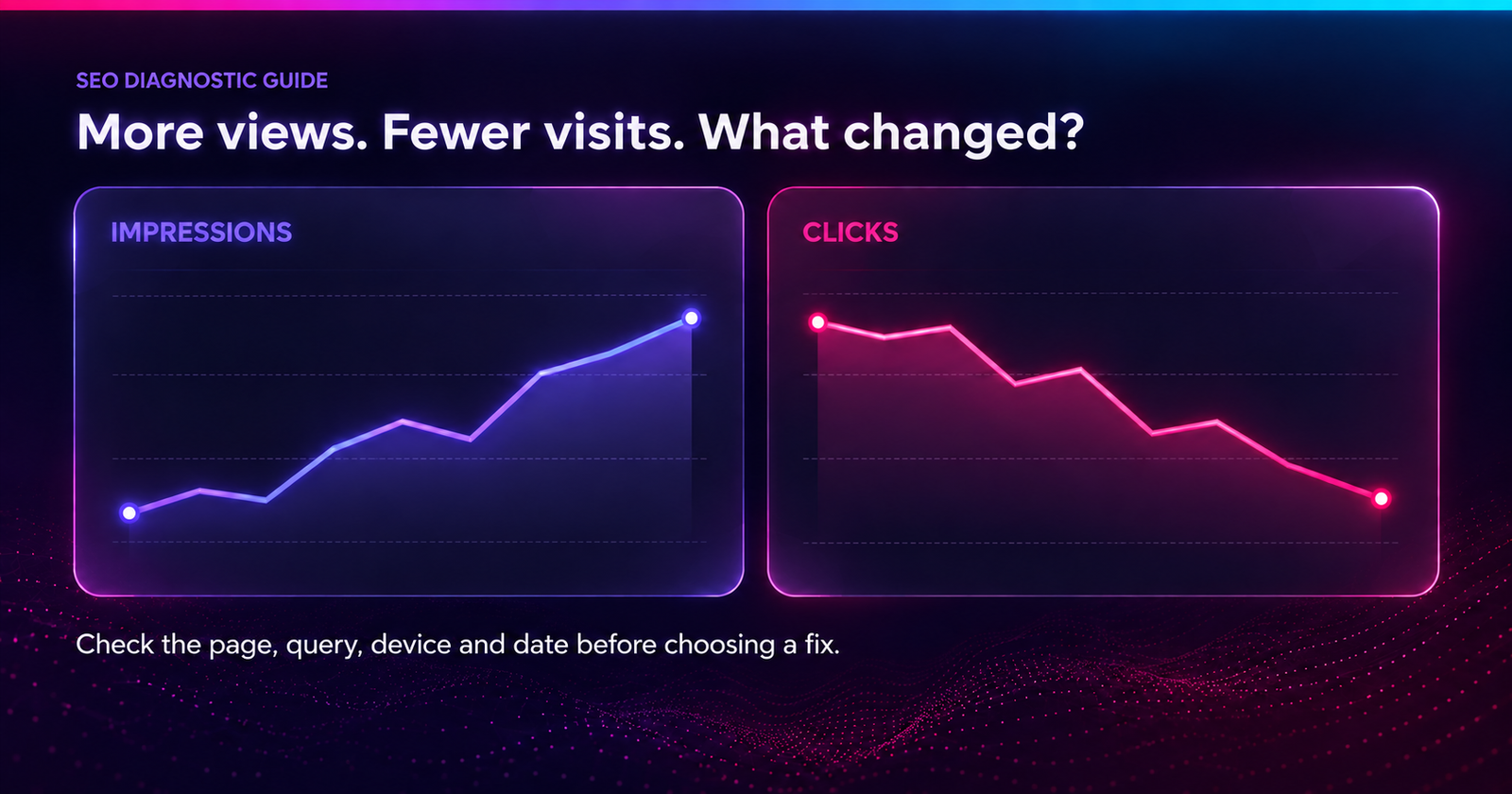
If the page already earns impressions but few visits, use the guide to impressions rising while clicks fall. That is a later stage of the search journey.
Which SaaS pages actually need to be indexed?
Start with public pages that help someone evaluate or use your product. Product features, supported integrations, useful templates and public documentation can serve different search needs. Private dashboards, billing screens and customer workspaces have a different purpose.
Build a short list of important URLs. For each, note its page type, intended audience, current status and preferred URL. Include a working page from the same template for comparison.
Group failures by template and release date. If every new integration page fails while older pages work, investigate the shared template or publishing process. If all page types stopped being fetched after a release, look for a wider access or server change.
Do not aim to index every URL your app can generate. Filter combinations, tracking parameters and internal search results can create many versions of the same thing. More indexed URLs are not automatically more useful search coverage.
Can a crawler reach the page through your website?
A sitemap helps discovery, but it is not a substitute for a useful internal link. Visit the relevant product or category page and follow the route a new reader would take.
- Link integration pages from an integration directory and relevant feature pages.
- Link detailed use cases from the product areas they explain.
- Use normal links with real destination URLs, rather than click handlers alone.
- Keep important links available without login, typing a search or selecting several filters.
Check that the sitemap lists the final preferred URL, not an old redirect, blocked page or staging address. After a migration, compare the sitemap with the URLs actually linked in navigation and content.
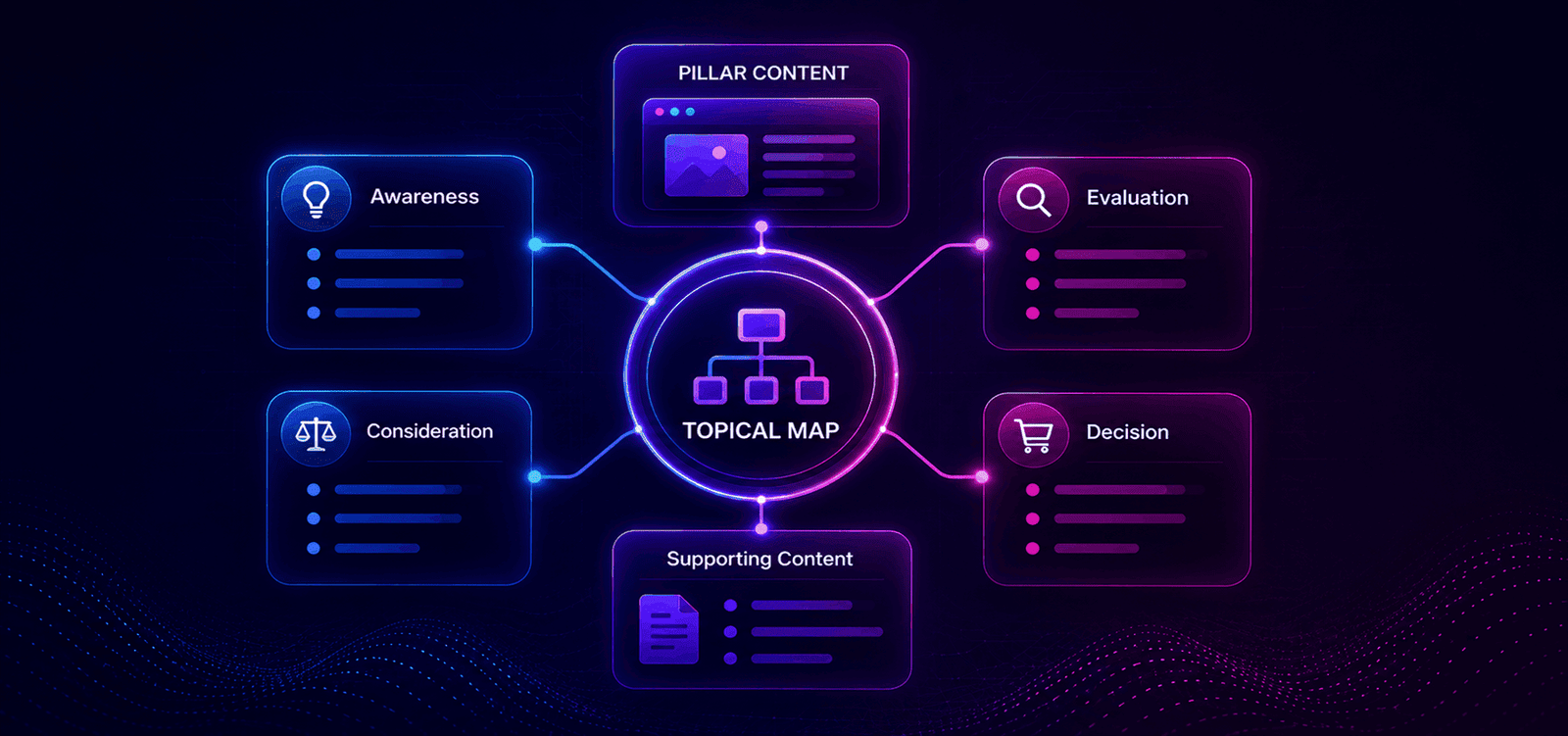
An isolated page may need better connections, not another paragraph. The buyer-intent content guide can help place it in a useful reading path.
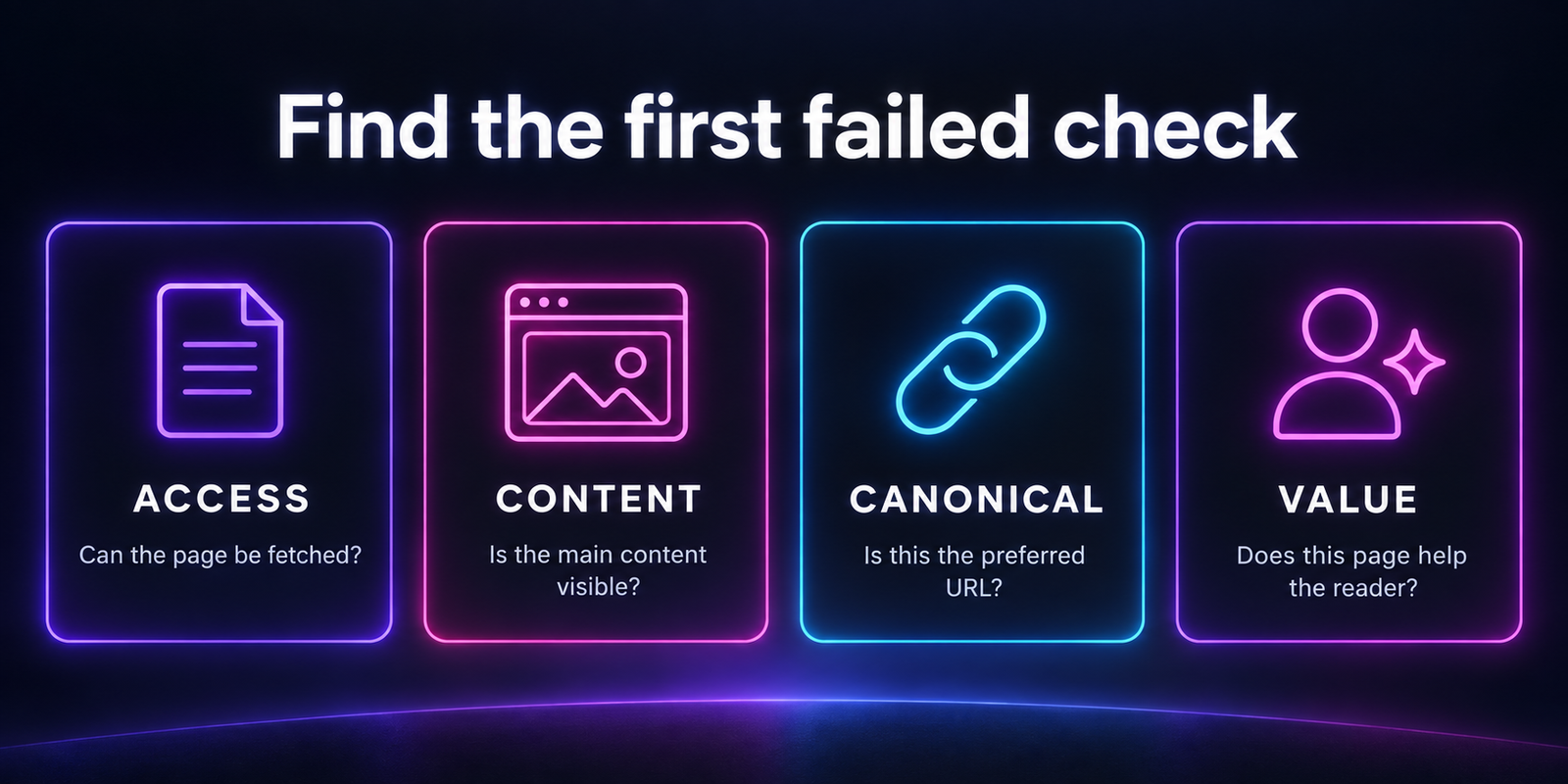
Is a rule or server response blocking the page?
Test the public URL while logged out. Your browser may have a session or cookie that lets you see content a first-time visitor cannot reach.
Ask your developer to check the response status, redirect destination, robots rules and indexing directives together. A page that looks normal can still send a noindex instruction through its HTML or an X-Robots-Tag response header.
| Finding | What to check next |
|---|---|
| Login or permission response | Should this URL be public? Create a separate public explanation if the app screen must stay private. |
| Noindex on a public landing page | Check whether a staging rule or shared template setting reached production. |
| Blocked by robots.txt | Confirm whether the block is intentional before allowing access. |
| Server errors or timeouts | Check logs, recent releases and whether failures affect a whole page group. |
| Redirects to the homepage | Restore the page or use a genuinely relevant replacement, depending on its purpose. |
Robots.txt controls crawling; it is not a reliable way to remove a URL from search. Google needs access to see a page's noindex instruction. Do not combine a crawl block with noindex and assume both will be read.
Keep authentication on private customer data. Neither robots.txt nor noindex is an access-control system. The fix for an unindexed marketing page should not expose the application behind it.
Does the rendered page contain the actual product content?
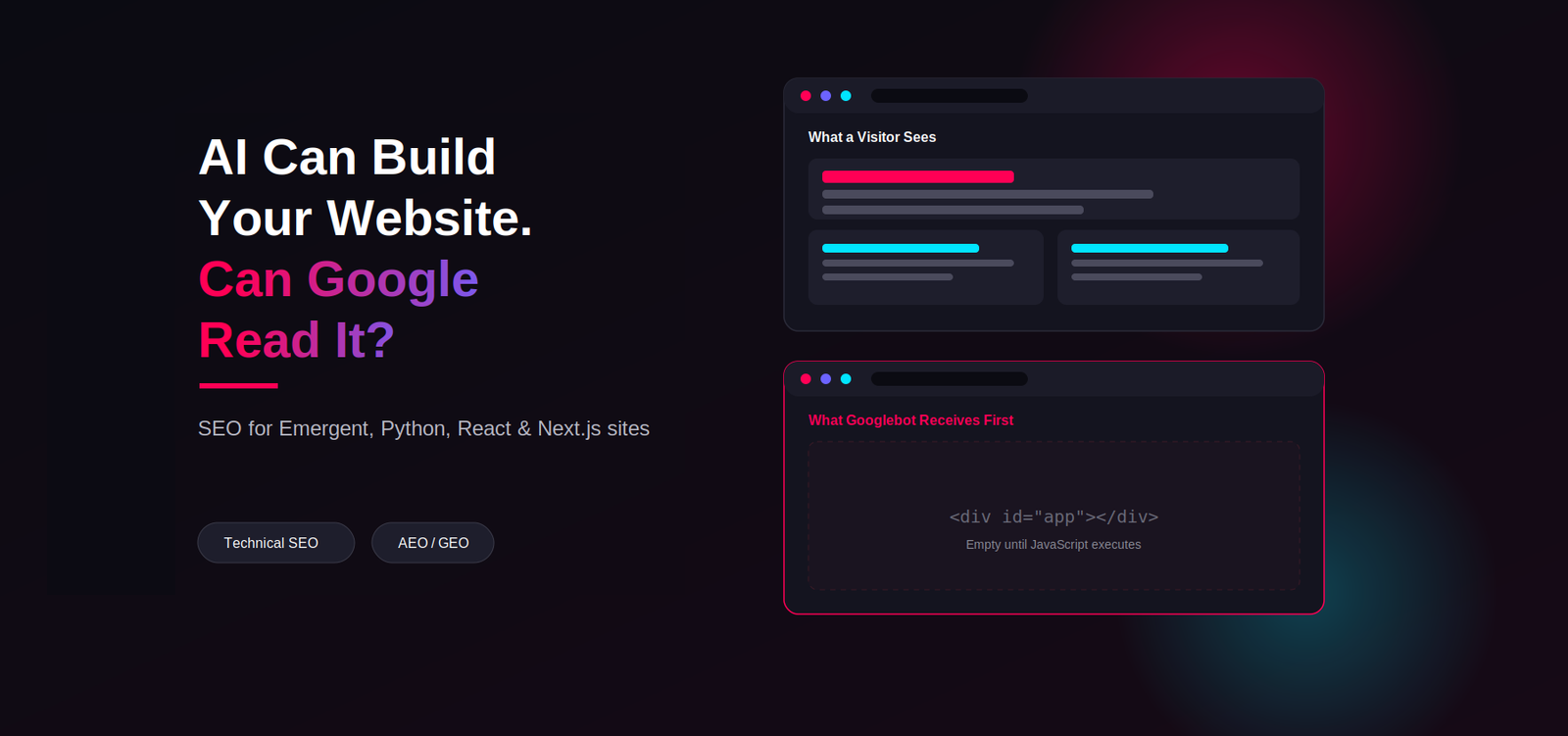
A successful response is not enough if it delivers an empty shell. Compare the page's initial HTML with the rendered output available through inspection tools. Look for the main heading, product explanation and important links.
Google can render JavaScript, but blocked files, failed requests and content that needs interaction can cause problems. Its JavaScript SEO documentation explains the crawl, render and index stages.
Look for content that depends on the wrong conditions
- The feature description arrives only after an API request that fails for logged-out visitors.
- The page initially shows a loading screen and never replaces it during the test.
- A cookie choice or user interaction is required before the main text loads.
- Directly opening a nested URL fails, although clicking to it inside the app works.
- The mobile layout removes key copy or links instead of simply rearranging them.
Save the affected URL, test date and missing content. Give the developer the observed failure, not just “Google cannot see the page.” Compare with a working route built from the same template.
Public marketing content is often easier to verify when meaningful HTML arrives from the server. That is an implementation choice, not a reason to rebuild the entire app without evidence. The technical guide to AI-built websites explains rendering options in more detail.
Are your signals pointing to the wrong URL?
A canonical tag expresses your preferred version; it does not force Google to select it. Check whether the declared URL matches the page you actually want people to find.
A copied template can leave every integration page pointing to the main integrations page. A deployment can leave production pages pointing to a test domain. Both deserve a template-level review rather than individual indexing requests.
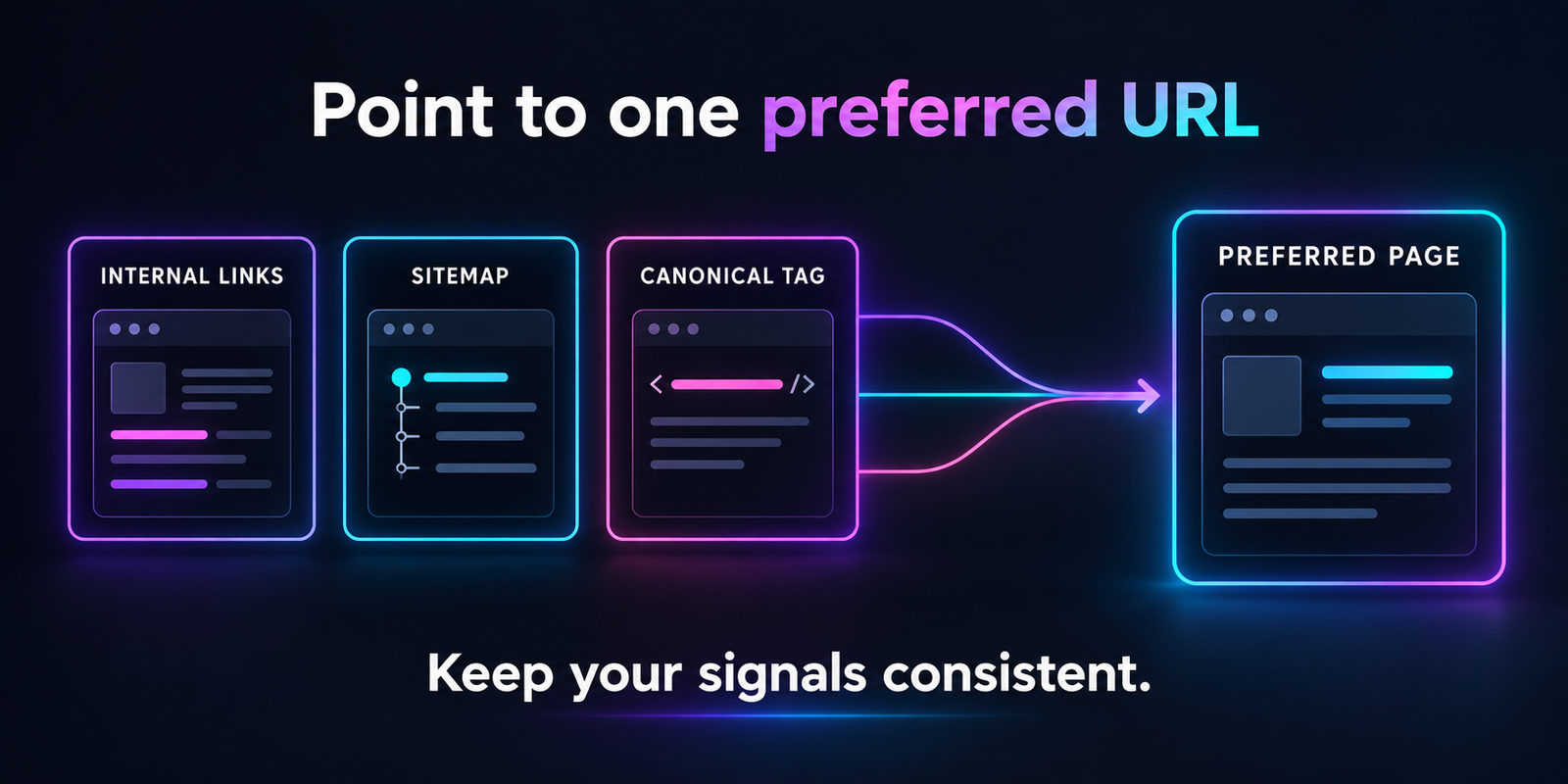
For duplicate versions, align internal links, sitemap entries and canonical declarations with the intended URL. Ensure the destination is accessible and relevant. Do not canonicalise distinct use cases to a generic page just because their layouts look similar.
When Google chooses another URL, compare the two pages' main content and purpose. If they solve the same task, consolidation may make sense. If they serve different needs, make that distinction clear in the content and links. Changing only the canonical tag may leave the underlying similarity unresolved.
If many URLs come from one template, review the programmatic SEO guide to check whether the page group adds enough value before expanding.
What if the page is accessible but still not indexed?
Technical eligibility does not guarantee selection. A page can load correctly yet offer little beyond other pages already available.
Treat a “crawled, currently not indexed” status as a prompt to investigate, not proof of one specific quality problem. Check the inspected URL's latest information and compare it with indexed pages in the same group.
Audit the usefulness of the template
On an integration page, a swapped product name and repeated sales paragraph rarely answer a buyer's questions. Review whether the page explains:
- What data moves between the systems and in which direction.
- Which plans, permissions or third-party tools are required.
- How setup works and what the integration cannot do.
- How the workflow helps a specific team complete a task.
Apply the same test to templates and use cases: what can the reader learn or do here that they cannot do on a neighbouring page? Use accurate product detail and current screenshots. Adding words to meet an arbitrary count will not answer that question.
If two pages serve the same need, consider merging them into the stronger resource and updating their links. Keep genuinely distinct pages separate. Do not delete a page solely because it currently has no search traffic; it may still help buyers or customers.
How do you verify the fix without chasing daily status changes?
Record what changed and check the outcome at the right stage. A passed live test shows a current technical improvement. A later indexed result is a separate outcome.
- Save a baseline: URL, page group, inspection status, selected canonical and the specific failure.
- Fix the root cause: repair the template or access rule if several pages share it.
- Retest: confirm that the intended content and directives are now available.
- Submit appropriately: request indexing for a few important changed URLs and maintain an accurate sitemap for larger groups.
- Review later: check whether Google has recrawled the updated page, which URL it selected and whether relevant impressions follow.
There is no guaranteed indexing deadline. Repeated requests do not create a priority queue. If a fix has not been recrawled, do not label it ineffective based only on the old stored result.
If many unrelated pages disappear together, also review Search Console's security and manual-action reports, recent migrations and server history. Avoid turning a broad outage into dozens of separate content rewrites.
Once relevant traffic arrives, review the next step too. The SaaS demo-request guide helps check whether those visits turn into useful conversations.
Common questions
Does submitting a sitemap guarantee indexing?
No. It helps search engines discover URLs. The pages still need to be accessible, eligible and useful enough to be selected.
Should all SaaS pages be public for SEO?
No. Keep accounts, billing and customer data protected. Publish separate marketing or help pages that explain the product without exposing private information.
Does every indexing issue need a developer?
No. Missing internal links and unclear content can often be handled by the content team. Response codes, rendering failures and shared indexing rules usually need development support.
Will indexing guarantee an AI citation?
No. Being accessible in search is not the same as being chosen as a source in an AI answer. Build clear, accurate public information, then measure citations and visits separately.
Written by Richi Meckvan. Updated on 30 September 2026.