
The quick answer
A SaaS website can attract traffic without demo requests when visitors are not ready to buy, the product fit is unclear, or the booking journey breaks. Your reporting may also miss real requests or count button clicks as leads.
Start with visits to product, pricing and comparison pages. Follow those visitors through the form, booking and attended demo. Fix the first step that loses suitable buyers before spending more to bring them in.
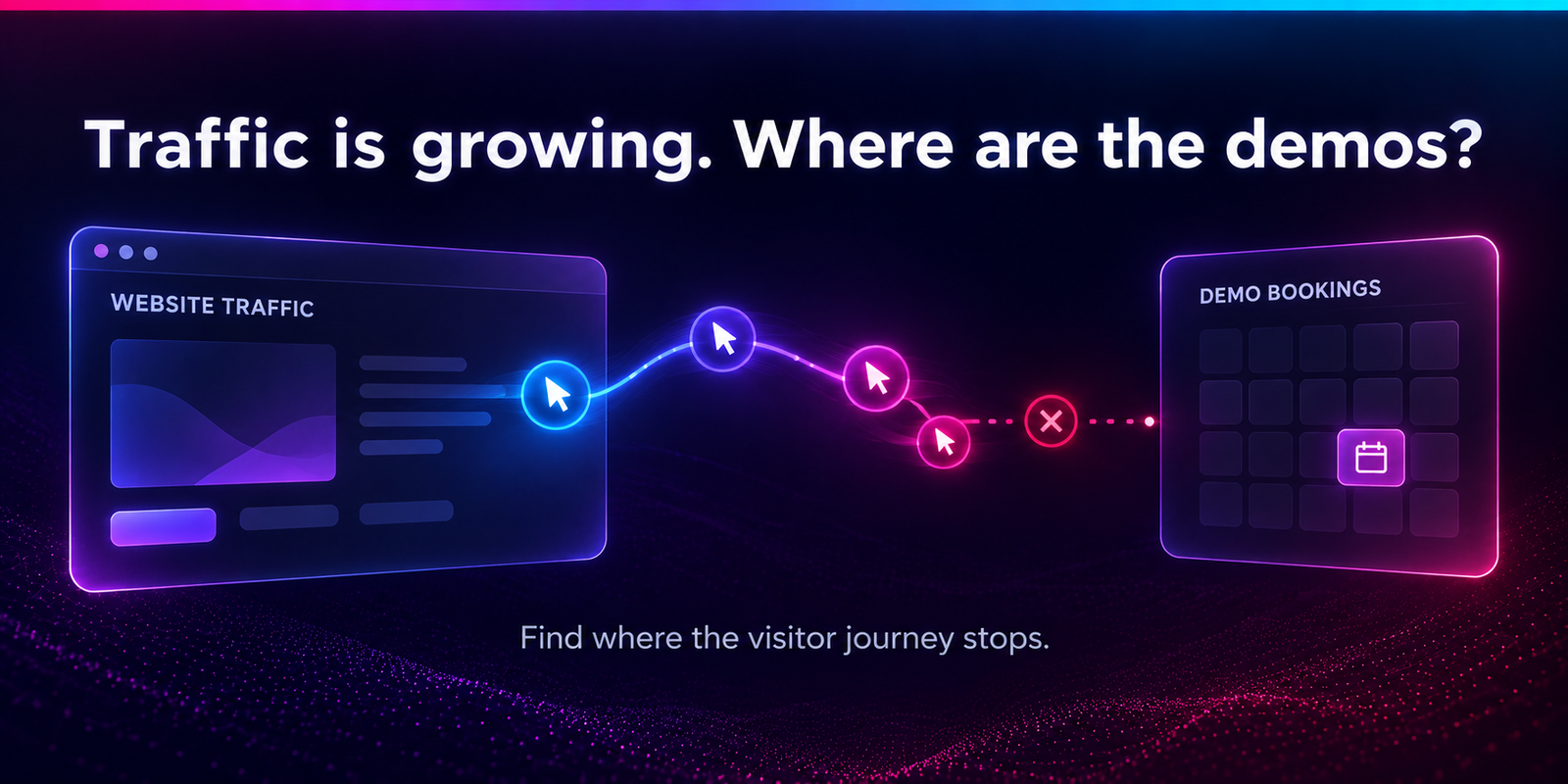
Your traffic report is moving up, but the sales calendar is quiet. Publishing more posts or changing the button colour may feel like progress. Neither tells you why people leave.
The useful question is narrower: where do people with a real need stop moving towards a conversation? This guide helps you answer it with your own website, analytics and sales records.
Jump to a section
Are the extra visits coming from potential buyers?
More traffic does not always mean more demand for your product. A growing help centre, free tool or glossary can lift visits while buying interest stays flat. Existing customers visiting documentation should not be judged like new prospects visiting pricing.
Group your landing pages before calculating a demo rate:
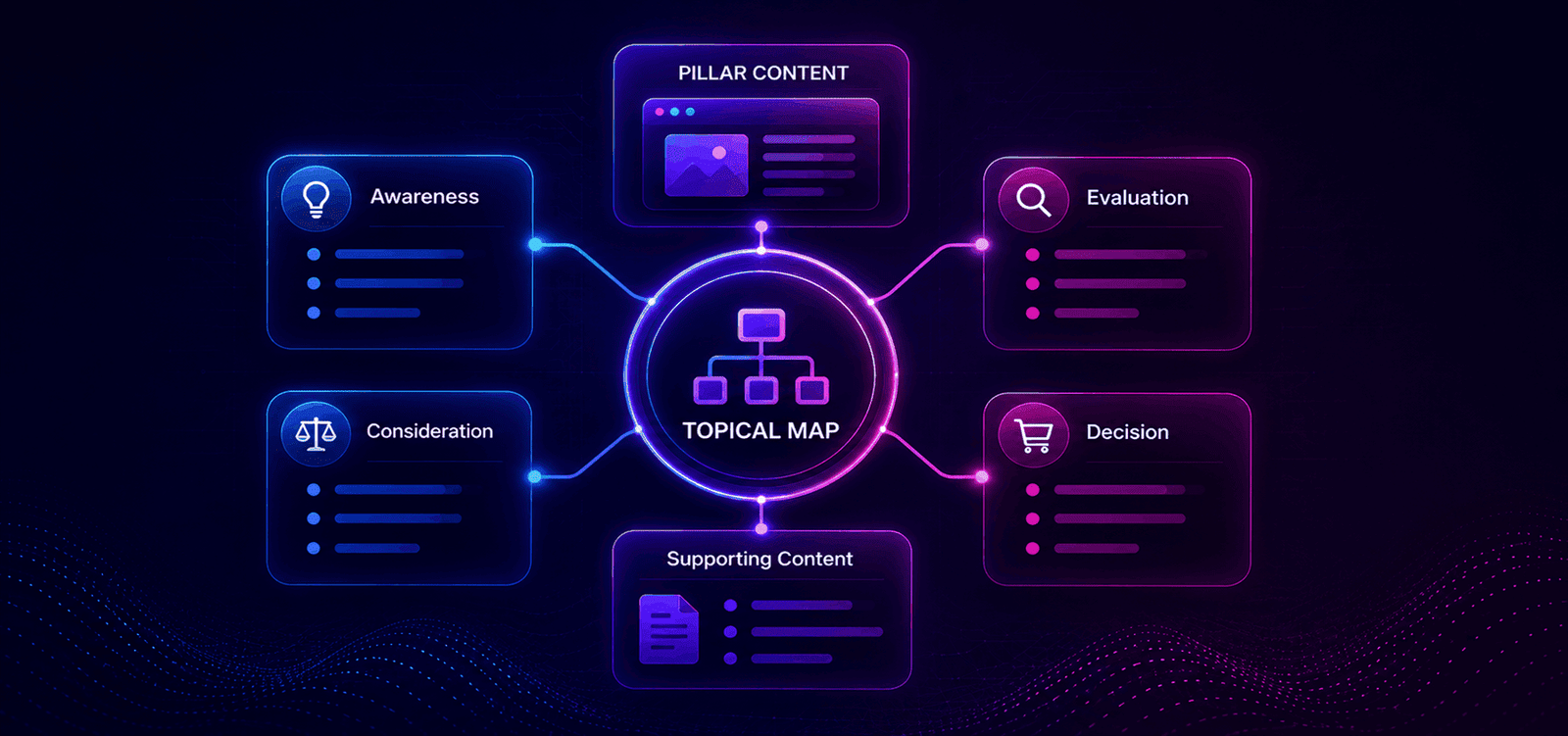
- Learning: definitions, tutorials and broad problem-solving posts.
- Evaluating: use cases, integrations, comparisons and alternatives.
- Buying: product, pricing, security and demo pages.
- Other needs: support, login, careers and customer-only resources.
These groups are starting points, not proof of intent. A developer reading an integration guide may be checking a purchase. Compare the next pages people visit and the quality of enquiries each group produces.
Find what changed inside the total
Compare matching periods by landing-page group, source, country and device. Separate branded searches from non-branded discovery where your search data allows. Check whether traffic grew in countries you cannot serve or around problems your software does not solve.
If learning visits increased but product-page visits stayed flat, your main problem may be the route from content to product. The buyer-intent content guide helps connect those two parts.
AI mentions and search impressions sit earlier in the journey. An unlinked mention cannot create a direct referral visit, and even a tracked AI referral may come from someone still researching. Read the guide to impressions, AI visibility and lost clicks if exposure is rising without visits. Once people arrive, check what they need next.
If your important product pages receive no search visits at all, first check whether they are indexed. The SaaS page-indexing guide explains how to confirm their status and find technical blockers.
If AI answers are part of your acquisition plan, use the Google AI search visibility audit to separate mentions and source links from the visits that reach your product pages.
Where does the demo journey actually stop?
A demo button click, a submitted request and a booked meeting are different outcomes. Keep them separate. Otherwise, a report can show healthy conversions while no one has chosen a time.
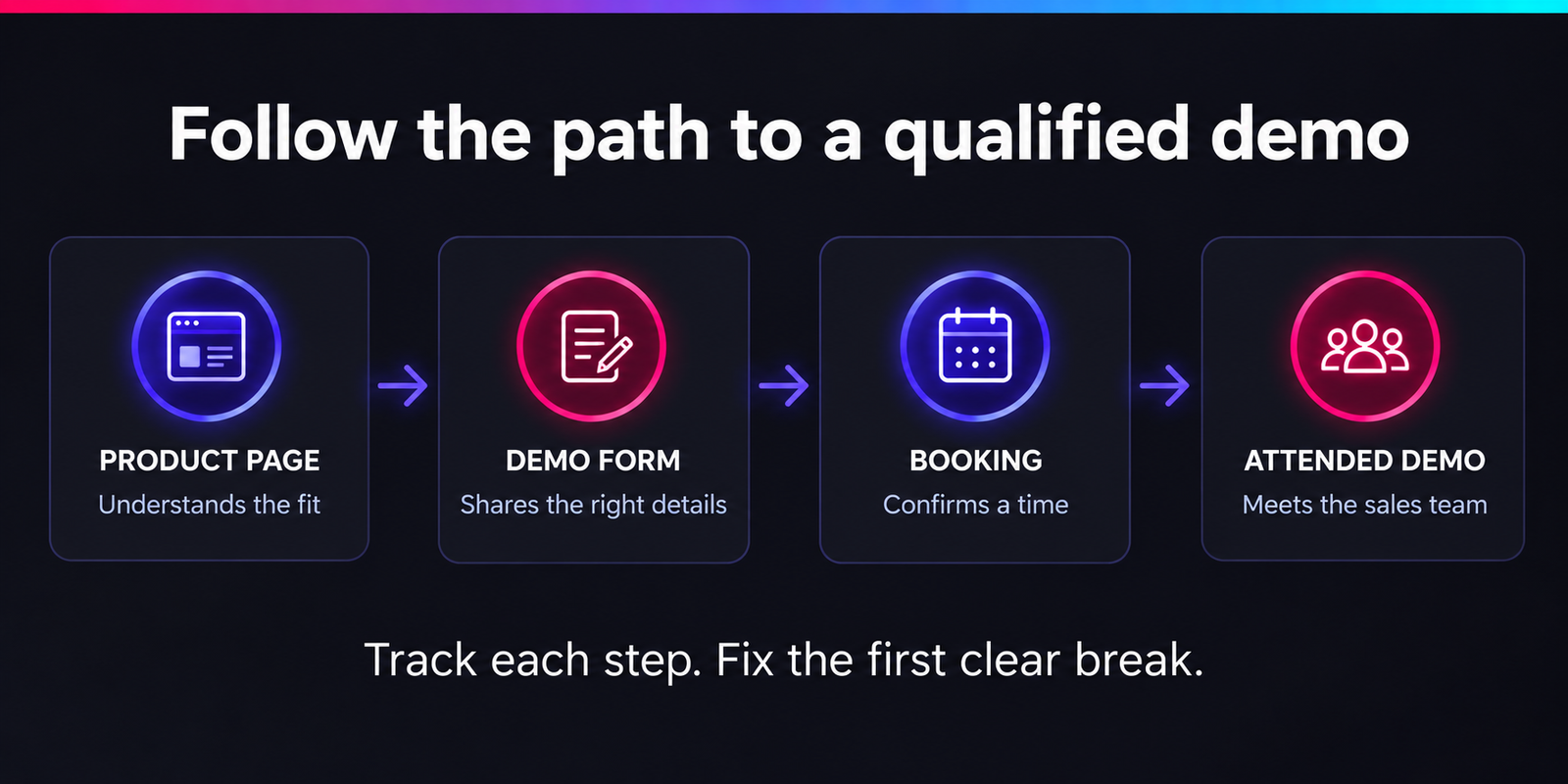
| What you see | Check first |
|---|---|
| Buying-page visits, few demo clicks | Product fit, unanswered questions and whether the offer is worth a meeting |
| Demo clicks, few form starts | Broken links, slow embeds, login walls or a form that fails on mobile |
| Form starts, few accepted requests | Unclear fields, validation errors and failed submissions |
| Requests, few booked meetings | Calendar availability, qualification rules and slow follow-up |
| Bookings, few suitable attendees | Audience fit, expectations, reminders and scheduling delays |
Use unique visitors who completed a step divided by unique visitors who reached the previous step when measuring a user journey. Keep the same audience and conversion window. Mixing event totals with unique users can produce a misleading rate.
For the overall buying-page demo rate, divide visitors who later submit a valid demo request by visitors to your chosen buying pages. Keep that page group consistent. Do not quietly replace it with all website sessions next month.
Some people return days later. Give recent visitors time to convert, and avoid comparing this week's arrivals with meetings booked by last month's visitors. Browser analytics may miss consent-limited or cross-device journeys; sales records help check the totals.
Are you losing leads, or just losing track of them?
Check one complete journey before trusting the dashboard. Submit a clearly identified internal test request, confirm it reaches the right sales inbox or CRM, and check what analytics records. Exclude that request from performance reporting.
- Click the CTA. Record the click as interest, not a lead.
- Submit valid details. Confirm that the server or form provider accepts them. A button press alone is not success.
- Check the sales record. Look for the right owner, source and notification. A working form with broken routing still loses opportunities.
- Book a time. Check that the calendar event and confirmation arrive. Track this separately from the request.
- Reload the confirmation page. Make sure it does not create another lead event.
Google's GA4 lead-event guidance defines generate_lead around submitting a form or request for information. Tie it to confirmed success, then use your sales system to distinguish valid requests from spam and duplicates.
Check what happens when booking moves to another domain
If visitors leave your site for a booking service, the journey may split in reporting. Google's cross-domain measurement guide explains how supported domains can be measured together using the same tag ID and configuration.
A third-party calendar may not allow that setup. An embedded calendar also needs a reliable booking-success signal; tracking the surrounding page is not enough. Use the provider's supported integration or reconcile confirmed bookings with sales records. Keep measurement within visitors' consent choices.
Does the page answer what buyers need before a call?
“Book a demo” asks for time before explaining what that time will deliver. Make the next step specific enough that the right visitor can judge its value.
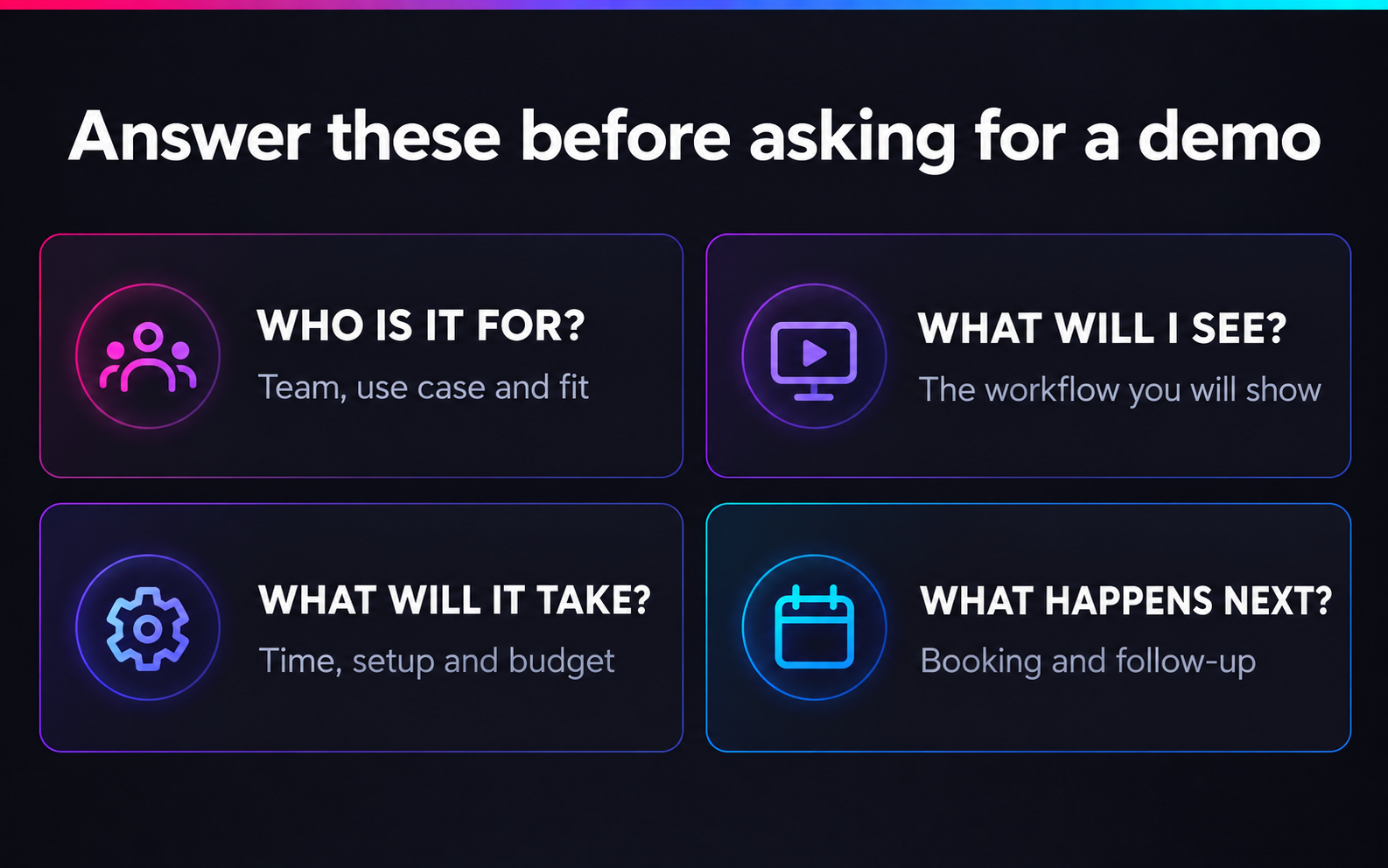
Replace broad promises with useful product detail
- Fit: name the team, task and situation the product supports. Be clear about important limits.
- Workflow: show how a real task moves through the product, using current screens and plain captions.
- Setup: explain integrations, migration, access requirements and who does the work.
- Cost: publish prices where possible. If quotes vary, explain what changes the price and any real minimum commitment.
- Meeting: state the actual duration, what you will cover and whether the call includes qualification.
Do not promise instant setup, a free trial or “no sales pitch” unless that matches the actual experience. A stronger CTA cannot repair a promise the sales process does not keep.
Put proof next to the concern it resolves
A security question needs clear security information. An integration concern needs supported systems and limits. A migration concern needs a realistic process. A row of logos does not answer all three.
Review recent sales questions and lost-deal notes. If buyers repeatedly ask whether a key feature is included, make that answer visible before the form. Use verified customer evidence only where it directly supports the claim.
Can a suitable buyer finish the form and book?
Remove effort that does not help the buyer or your sales team. A shorter form is useful only if it still collects what you need to respond well.
For every required field, ask who uses it and what decision it changes. Keep essential qualification questions. Move details that can wait until the conversation. Explain unusual requests and show errors beside the relevant field without deleting other answers.
Test the awkward cases, not just your own laptop
- Small screens: does the keyboard cover the submit button? Can people use dropdowns and read errors?
- Email rules: are valid prospects rejected by a strict work-email rule? Offer a clear route for exceptions if appropriate.
- Calendar: is the timezone clear, and are there suitable slots for the markets you serve?
- No availability: can the visitor request another time instead of reaching a dead end?
- Slow connections: does the form show progress and prevent repeat submissions?
- After submission: does the page explain who responds, how and within what realistic timeframe?
Keep sensible spam protection. Judge it by blocked abuse and genuine submission failures, rather than removing it simply to make the journey shorter.
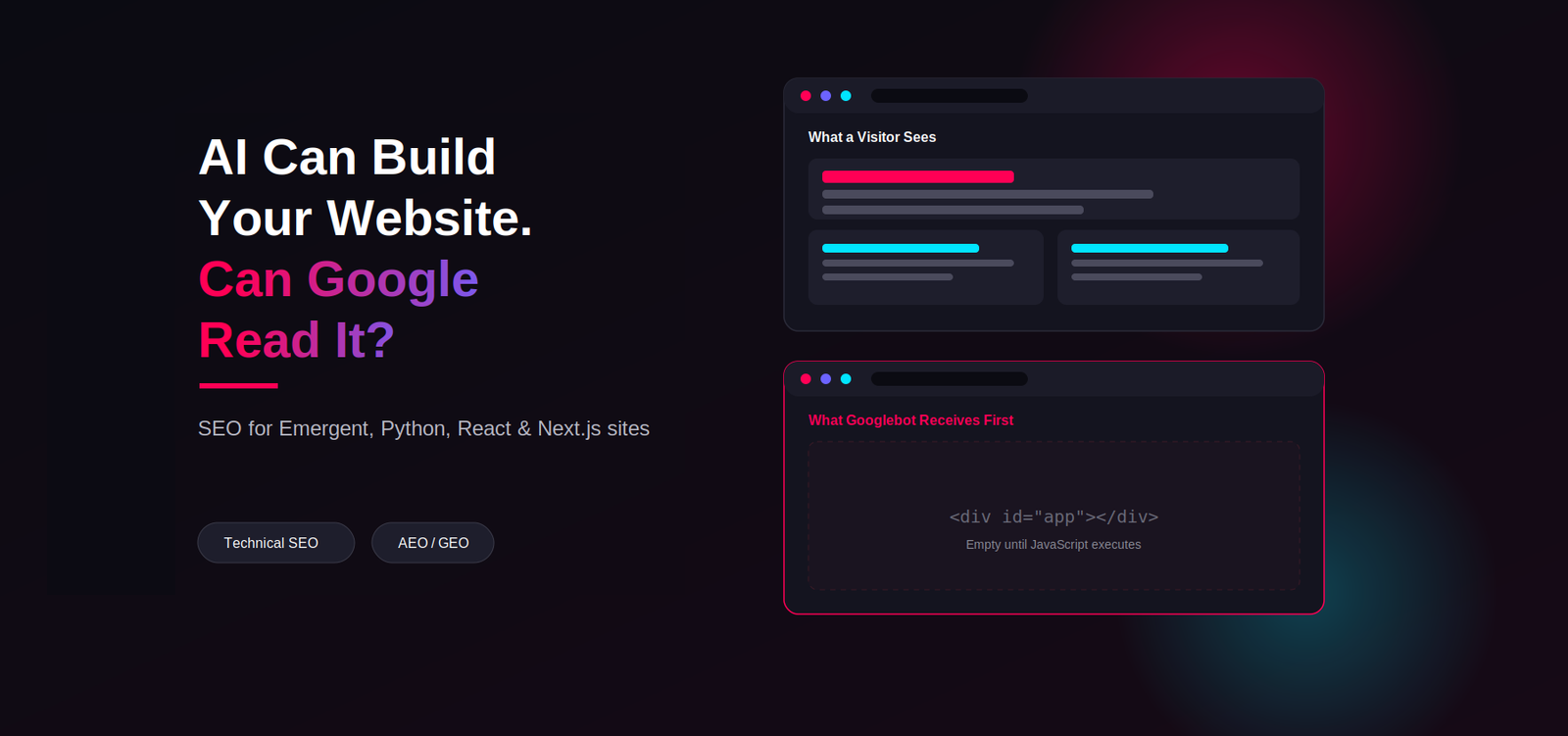
If a JavaScript form or calendar fails to appear, treat that as a functional issue first. The guide to AI-built and JavaScript websites covers related rendering checks for public pages.
Does every visitor need a demo right now?
Give readers a next step that matches the decision they are making. Someone checking a definition may need a product walkthrough. Someone comparing integrations may be ready for a technical discussion.
Review the highest-traffic posts that relate to your product. Add one useful link where the reader naturally asks, “How would I do this?” Send them to the relevant use case, feature or comparison page, rather than always to the homepage.
A short public walkthrough can help people decide whether a live demo is worth their time. A trial suits products people can use safely and successfully on their own. Complex implementations may need a guided conversation first. Choose based on the product and the buyer's task.
Measure whether these routes bring suitable people closer to a decision. More tour views with no movement towards product evaluation is activity, not proof of improvement.
What should you fix first?
Prioritise the clearest failure affecting suitable buyers. A broken submission deserves attention before a headline experiment. A traffic mismatch needs a content or targeting change before a form redesign.
- Establish a baseline. Save traffic by page group, successful requests, confirmed bookings and attended demos. Agree what makes a lead suitable.
- Choose one supported problem. Use the journey table, test submissions and sales feedback. Record the evidence and the change you expect to see.
- Make a focused change. Repair the failure or answer the missing buyer question. Record the release date and any campaign changes.
- Review both volume and quality. Compare similar audiences and allow for the sales cycle. Check accepted requests, attendance and sales fit together.
With enough traffic, a properly planned split test can help separate a page change from other effects. With little traffic, use a longer review period and direct buyer feedback. A handful of extra bookings is not enough to declare a winner.
If bookings rise but attendance or fit falls, review the promise and qualification step. The goal is a useful sales conversation, not a busier calendar at any cost.
Common questions
What is a good SaaS demo conversion rate?
There is no single rate that fits every product. Pricing, traffic source, buying cycle and the definition of a demo all change the number. Compare the same page groups and lead criteria within your own data before using an outside benchmark.
Should I remove pricing to get more demo requests?
Hiding useful pricing details can increase uncertainty and bring calls from people whose budgets do not fit. Explain the pricing model and what affects the quote. Judge changes by qualified conversations, not requests alone.
Why does analytics show leads that sales cannot find?
Check whether your event fires on a click, failed submission or page reload. Then check spam, duplicates and routing failures. Compare confirmed submissions with the sales system before changing the website offer.
Can SEO or AEO alone fix low demo requests?
They can help the right people discover you, but visibility cannot fix an unclear offer or failed booking flow. Review discovery, product understanding and successful contact as separate steps.
Written by Richi Meckvan. Updated on 29 September 2026.